By Platform · Facebook Ads
Best Free Facebook Ads Dashboard Templates
for Automated Reporting in 2026
Meta Ads Manager is fine for tweaking a single campaign. For actually seeing performance across accounts, audiences, and creative variants? You're clicking through tabs and exporting CSVs. These Looker Studio templates pull your Meta data automatically — spend, ROAS, CTR, audience breakdowns, creative performance — without the copy-paste dance. Updated daily, filterable by account.
Looker StudioFree TemplatesMeta AdsAuto-Updated
What Makes a Good Facebook Ads Dashboard Template?
A solid Facebook Ads template tracks the full funnel: reach, impressions, frequency, link clicks, CTR, CPC, CPM, conversions, cost per result, and ROAS. Direct account connection, automatic refresh, filterable by campaign, ad set, and creative — those are the baseline requirements. Templates marked Free* require a paid connector after a trial period (usually Supermetrics or Catchr). We note it clearly so there are no surprises.
7 Templates · Sorted by Usefulness
LS
Facebook Ads Dashboard
Coupler.io
Free
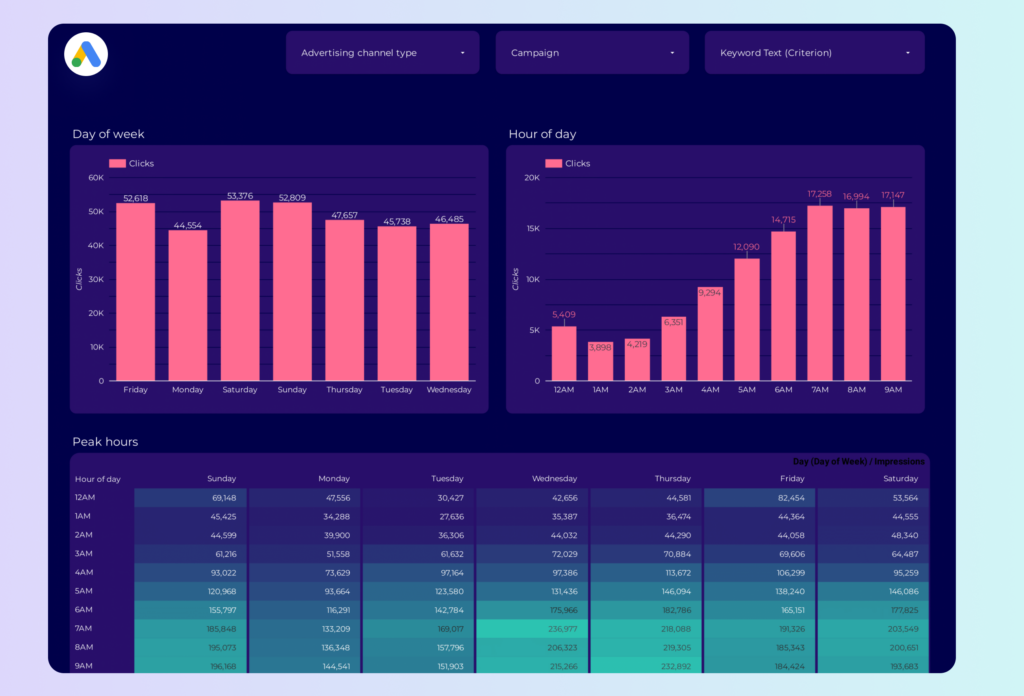
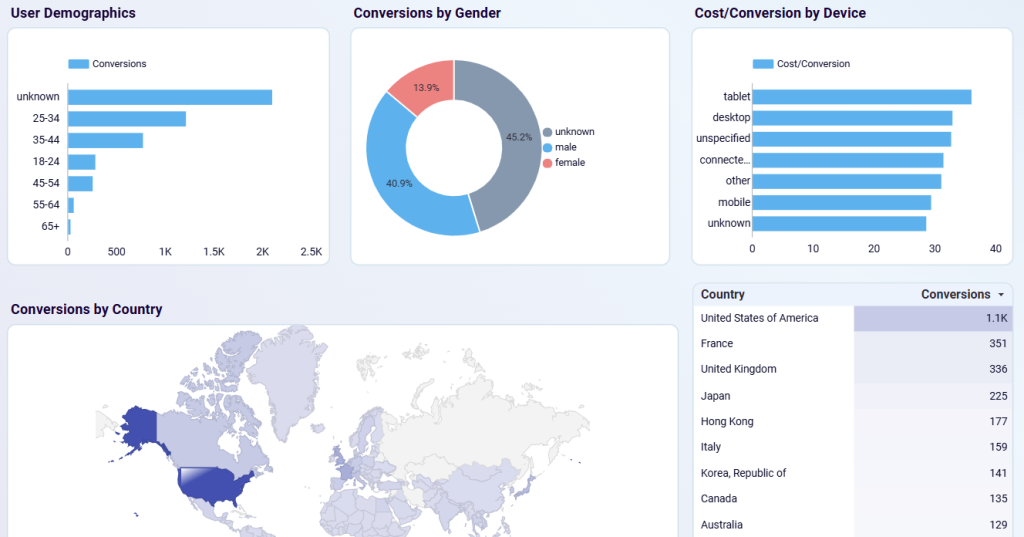
Coupler.io's Facebook Ads dashboard — clicks, cost, ad frequency, plus demographic and geographic breakdowns. Previewable before signup.
Looker StudioCampaign overviewCreative
View template →
SM
Facebook & Instagram Ads Report
Supermetrics
Free*
Covers Facebook and Instagram Ads together — plus WhatsApp and Messenger. Audience breakdown by age, gender, and location. Best for teams already paying for Supermetrics. 14-day free trial.
Looker StudioInstagramDemographics
View template →
PM
PPC Creative Performance Report
Porter Metrics
Free
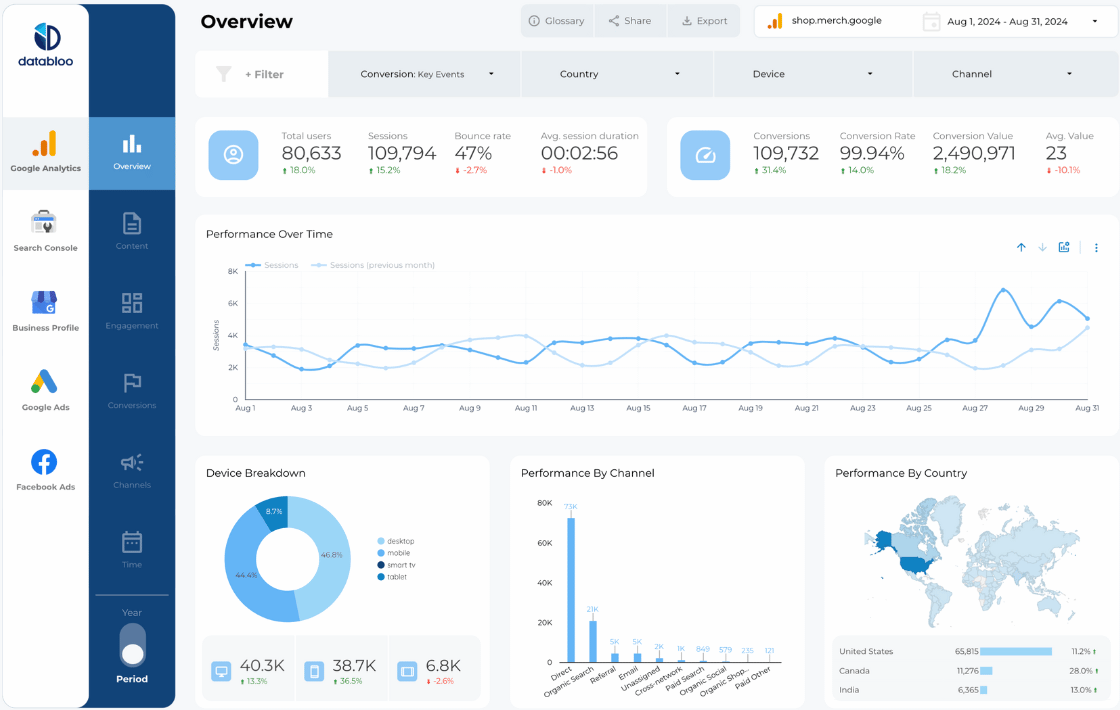
Creative-level performance reporting — which ads and assets actually drive results. Covers Meta alongside Google, LinkedIn and TikTok from one template. Free download, white-label ready.
Looker StudioCreativeMulti-platform
View templates →
CA
Facebook (Meta) Ads Dashboard
Catchr (Official Looker Studio Partner)
Free*
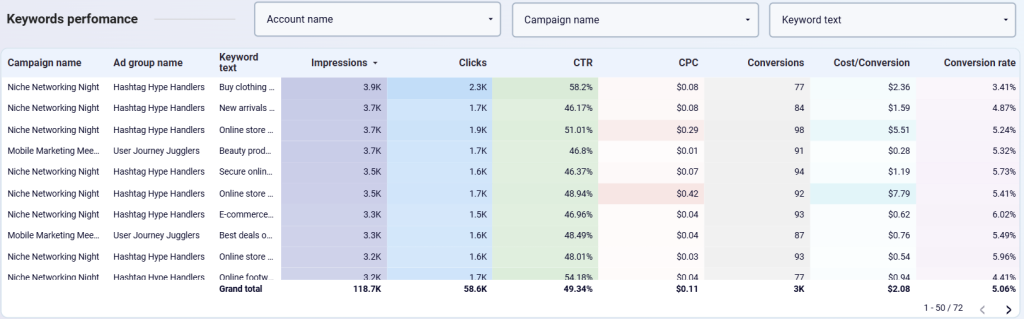
Catchr's four-page Meta Ads template for Looker Studio — campaign performance, creative analysis, audience demographics and funnel view. Free template; connector needs a Catchr plan after the 14-day trial.
Looker StudioAudiencesCross-channel
View templates →
WA
Facebook Ads Dashboard (Windsor.ai)
Windsor.ai
Free
Clean single-page dashboard with spend, clicks, CTR, CPC, CPM, and conversion tracking. Uses Windsor.ai connector — free 30-day trial with no credit card. Good for freelancers and small agencies.
Looker StudioSpend trackingCTR
View template →
DB
Facebook Ads Report Template
Data Bloo
€199
Data Bloo's premium Facebook Ads report for Looker Studio. Multi-page campaign, creative and audience analysis with a client-ready layout. One-off purchase.
Looker StudioAgency-readyDemographicsMulti-page
View template →
DS
Meta Ads Performance Dashboard
Dataslayer
Free
Seven-KPI Meta Ads dashboard — reach, impressions, link clicks and CTR, with campaign, placement and demographic breakdowns. Opens as a Looker Studio template you copy directly.
Looker StudioROASCreative
View template →
Free vs Paid: Which Template Should You Use?
If you only run Facebook and Instagram Ads, the native Meta connector in Looker Studio works fine — but it's limited to one account and basic dimensions. For multi-account agencies or cross-channel reporting (Facebook + Google + LinkedIn in one view), a paid connector like Supermetrics, Catchr, or Coupler.io is worth the cost.
Templates marked Free* require a third-party connector — free during trial, then paid. Expect $30–100/month depending on the tool and plan.
Want Fully Automated Facebook Ads Reporting?
Templates are a great start — but if you need scheduled PDF delivery, white-labeling, and zero maintenance, consider a dedicated reporting tool: