
Best Free Microsoft Ads Dashboard Templates
for Bing Advertising in 2026
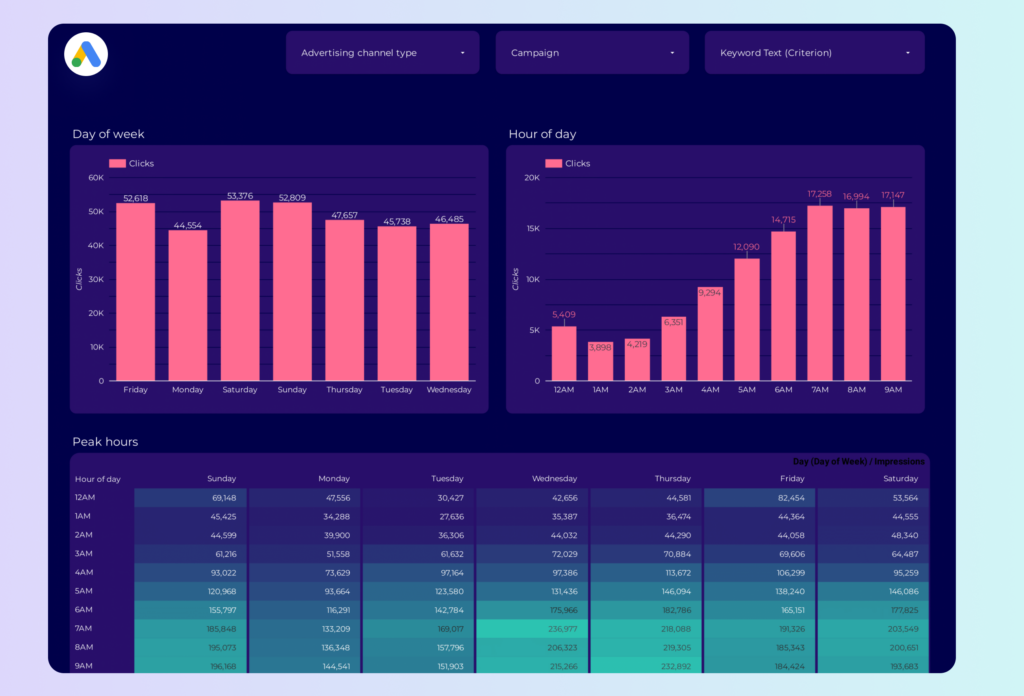
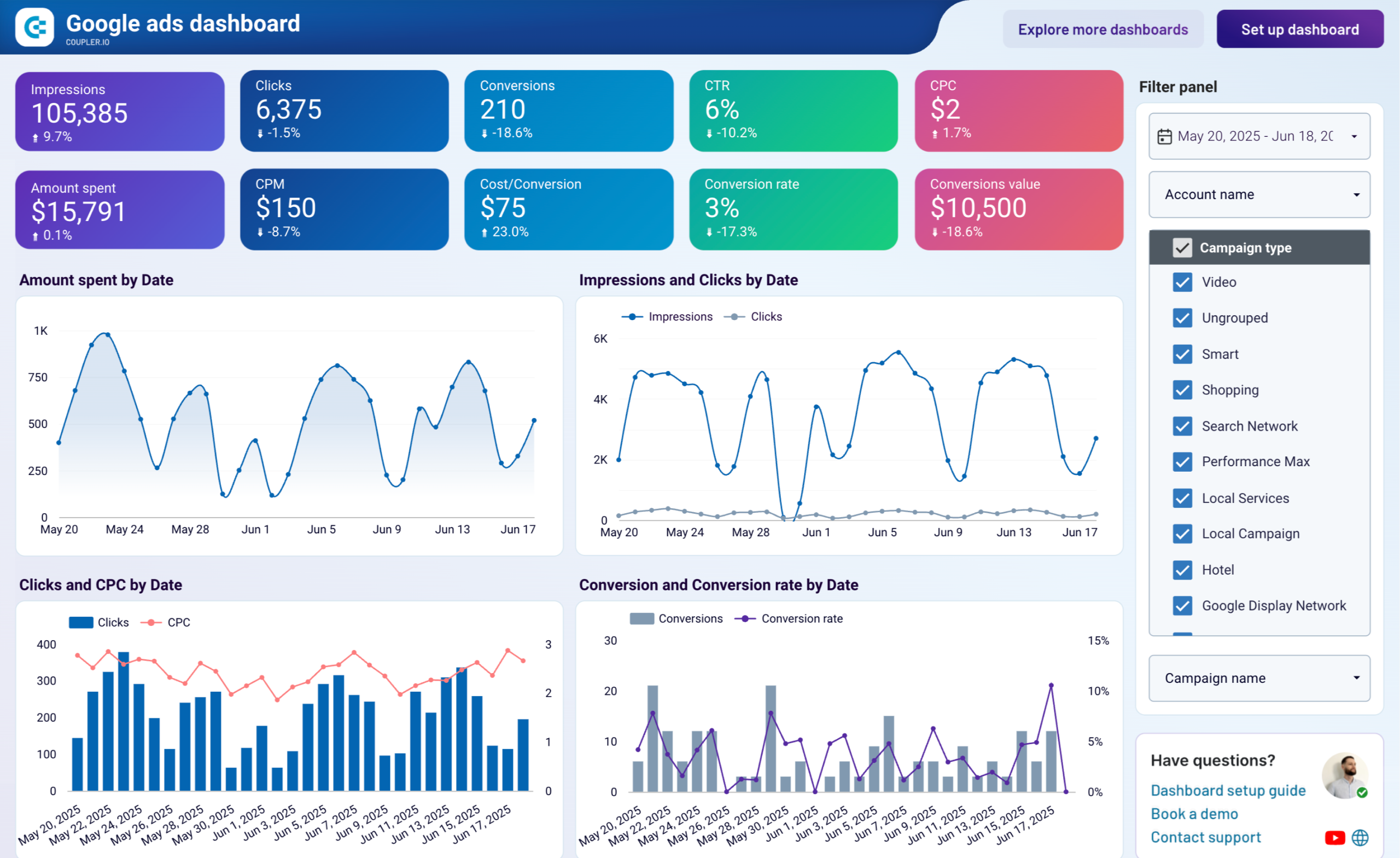
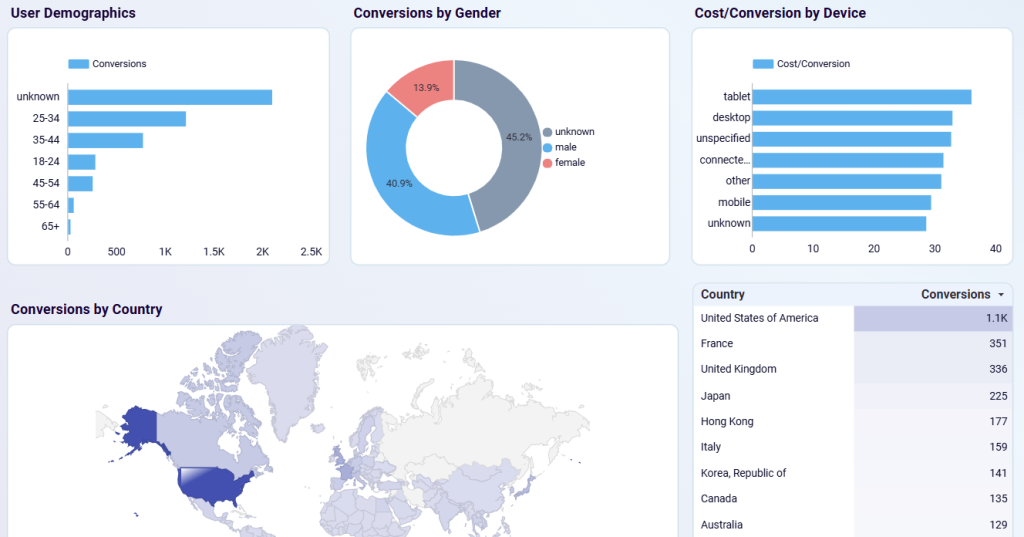
Microsoft Advertising gets treated as an afterthought in most reporting stacks — which is a mistake if you're running B2B or reaching audiences over 35. Bing's demographic skews older and higher-income, and CPCs are consistently lower than Google for the same keywords. These Looker Studio templates connect your Microsoft Ads data automatically and, critically, compare it against Google Ads in one view so you can actually see where Bing punches above its weight.
What Makes a Good Microsoft Ads Dashboard?
The core metrics are identical to Google Ads: impressions, clicks, CTR, CPC, conversions, quality score, ROAS. But the templates that are actually worth using also pull in Google Ads for side-by-side comparison — because the story isn't what Microsoft Ads does in isolation, it's where Bing audiences convert cheaper or better. One thing to know upfront: Microsoft Ads has no native Looker Studio connector. Every template below needs a third-party tool to connect.


Microsoft Ads vs Google Ads: Why Both Matter
Microsoft's search network reaches audiences Google doesn't — older demographics, B2B professionals, and US government workers who use Edge and Windows Search. CPCs are typically 20–35% lower than Google, and conversion rates are often comparable.
If your Google Ads campaigns are profitable, Microsoft Ads is usually worth testing. These templates make it easy to add Bing reporting alongside your existing Google Ads dashboards.
Want Fully Automated Bing Ads / Microsoft Advertising Reporting?
Templates are a great start — but if you need scheduled PDF delivery, white-labeling, and zero maintenance, consider a dedicated reporting tool: