
Best Free Google Ads Dashboard Templates
for Automated Reporting in 2026
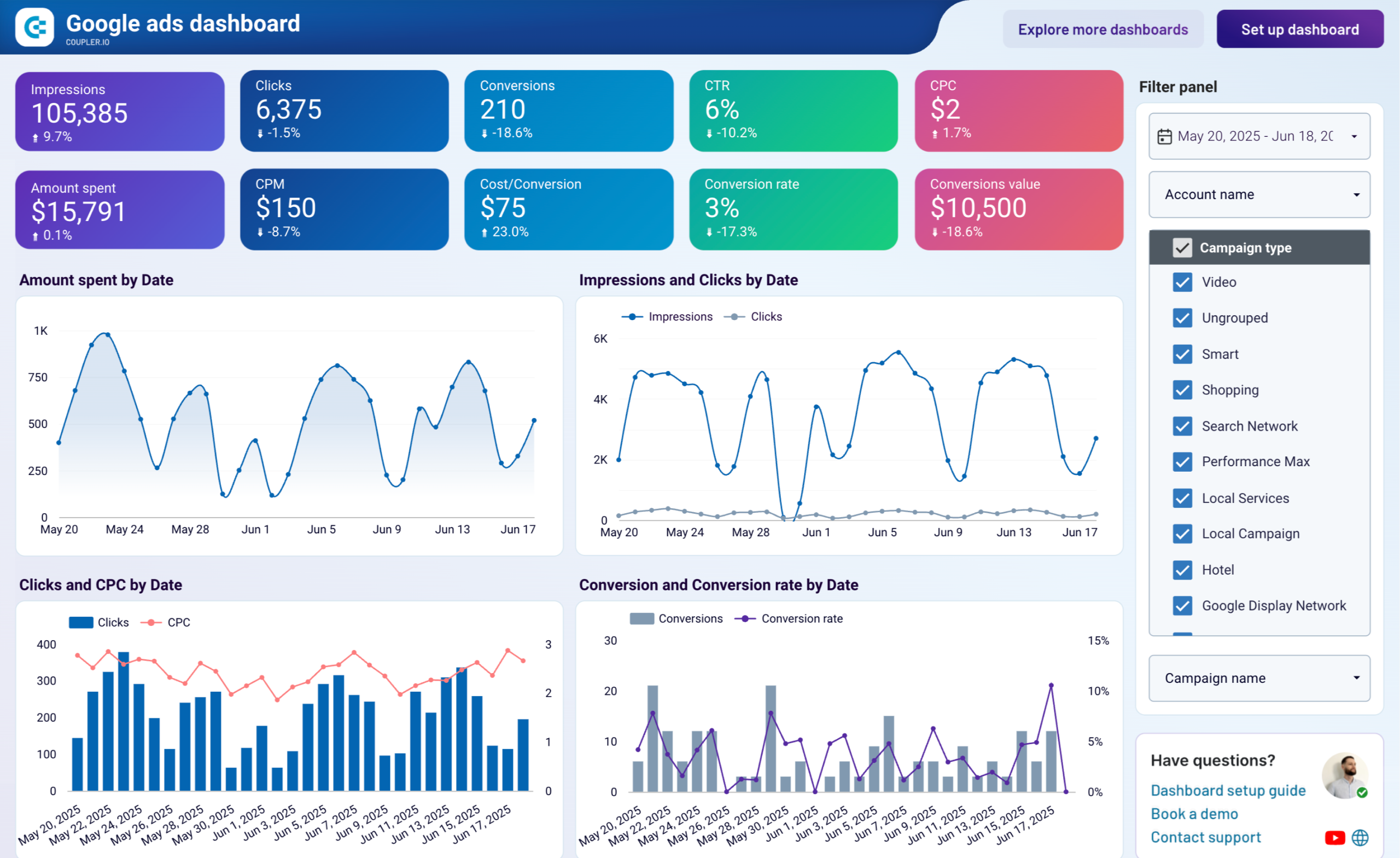
Google Ads reporting shouldn't take half your Monday morning. These free and paid Looker Studio and Google Sheets templates connect directly to your account — campaign performance, ROAS, keyword trends, spend pacing — updated automatically without a single CSV export.
What Makes a Good Google Ads Dashboard Template?
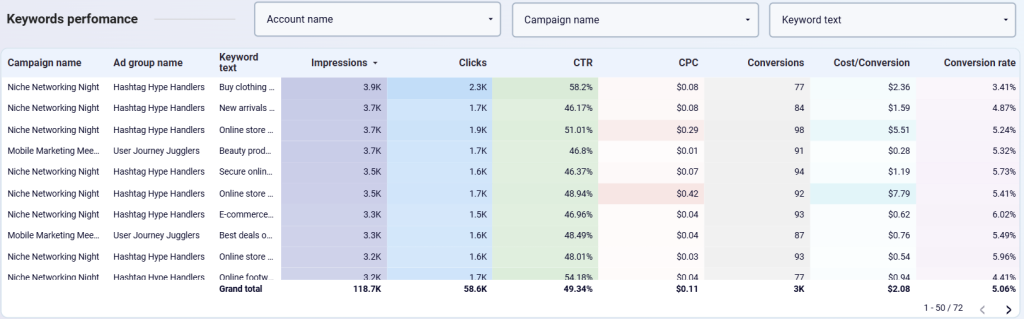
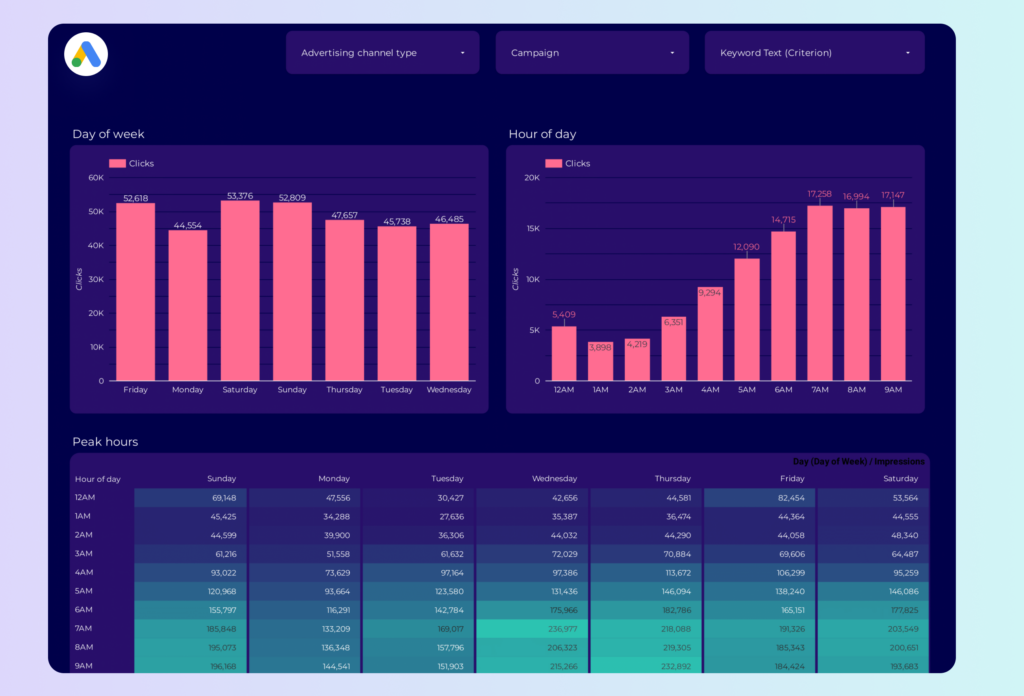
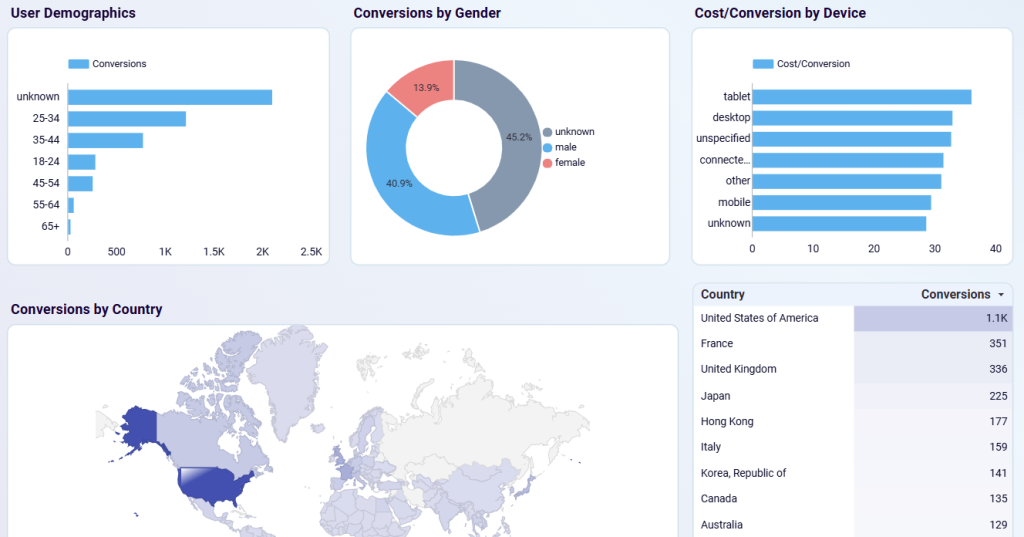
A good Google Ads dashboard template tracks the metrics that actually change decisions: impressions, clicks, CTR, CPC, conversions, cost per conversion, and ROAS. It connects directly to your Google Ads account — no CSV exports — updates automatically, and lets you filter by campaign, ad group, keyword, and device without rebuilding the report. Some templates below are fully free. Others need a paid connector (Supermetrics, Catchr, Coupler.io) after a trial period. We flag the cost clearly on every card.


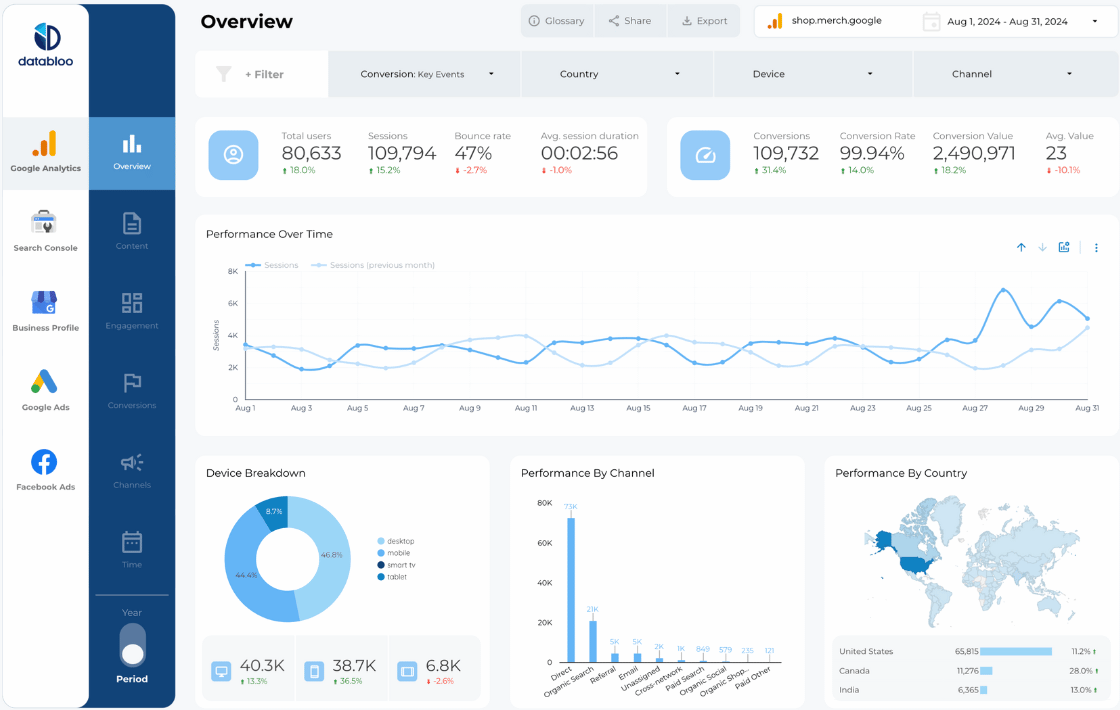

Free vs Paid: Which Template Should You Use?
Most free templates use Google's native connector — which means they only work with Google Ads data and don't require a paid subscription. If your reporting needs are straightforward (one account, standard KPIs), these are usually enough.
Templates marked Free* require a third-party connector like Supermetrics or Catchr — free to trial, but paid to keep. These are worth it if you also need Facebook Ads, LinkedIn, or other non-Google data in the same report.
Want Fully Automated Google Ads Reporting?
Looker Studio templates still require manual setup and connector management. For agencies or teams that need scheduled PDF delivery, white-labeling, and zero maintenance, consider a dedicated reporting tool: