
Best Free Shopify Dashboard Templates
for Ecommerce Reporting in 2026
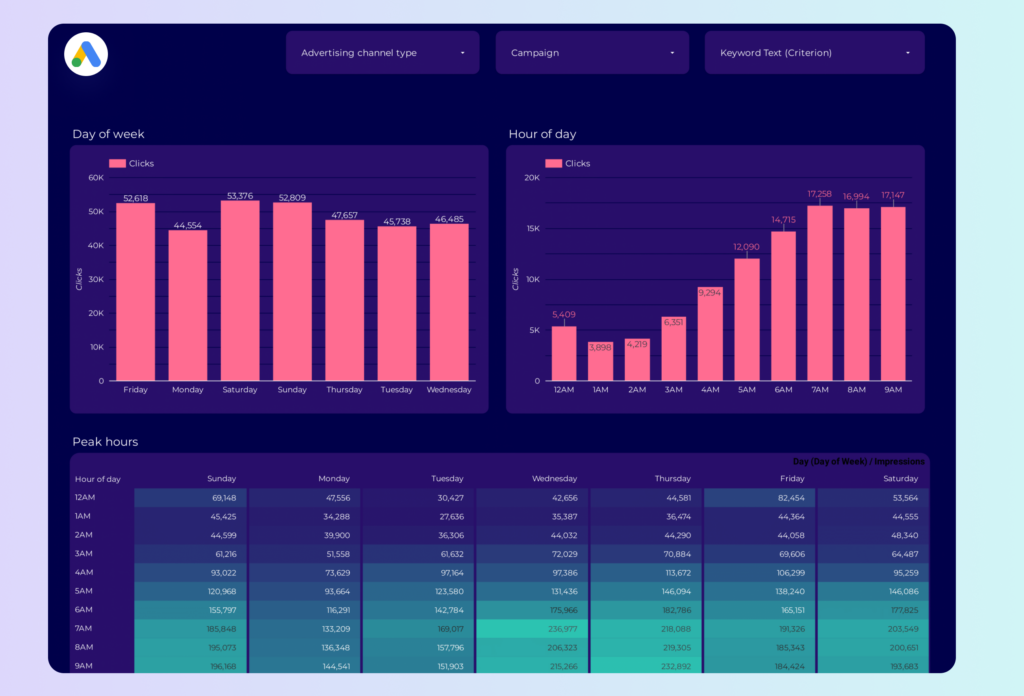
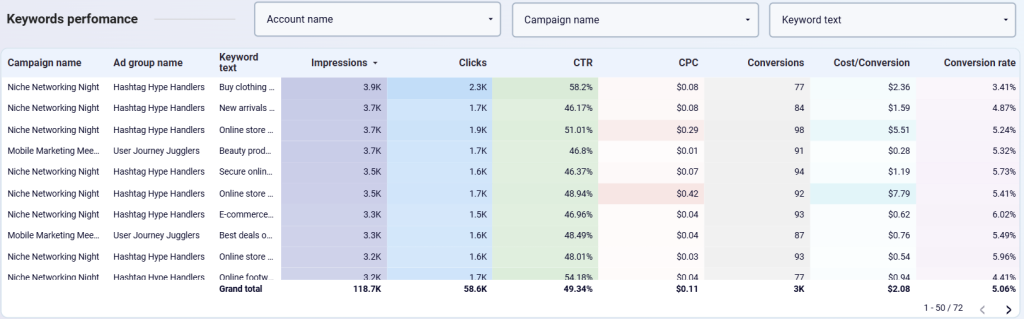
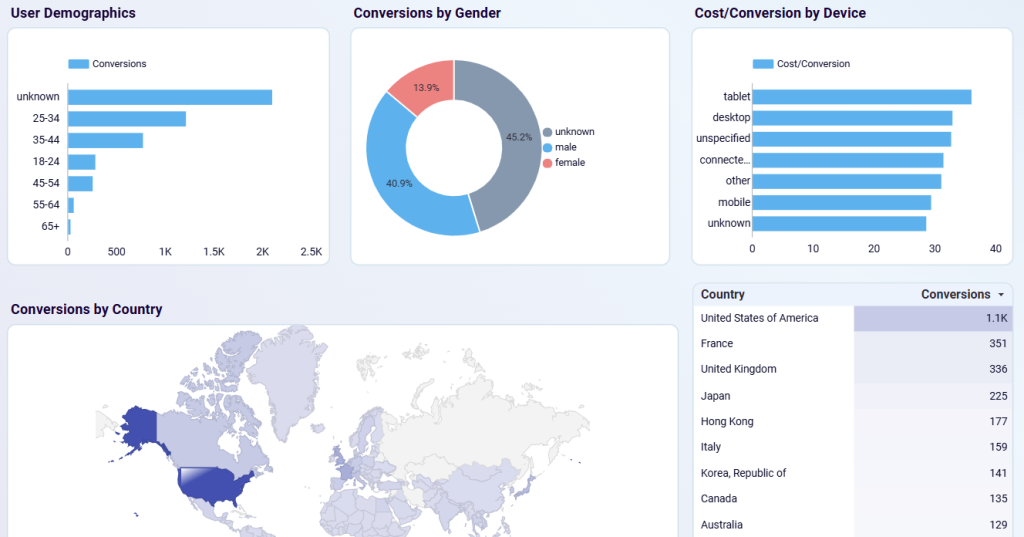
Shopify's built-in analytics tells you what happened in your store. It doesn't tell you why, or where those customers came from before they arrived. These Looker Studio templates blend Shopify data with GA4, Google Ads, and Facebook Ads — so you can trace the full customer journey from first ad impression to purchase, not just what happened at checkout.
What Makes a Good Shopify Dashboard Template?
Good Shopify templates go well past total revenue. They track conversion rate by traffic source, AOV trends, cart abandonment, top-performing products, inventory health, and return rates. The most useful ones blend Shopify with GA4 for traffic funnel analysis and paid media for true ROAS calculation — because ROAS without knowing which channels drove the traffic is just a number that flatters whatever you're already running. One thing to know: Shopify has no native Looker Studio connector. Every template below requires a third-party tool.


Shopify Native Analytics vs Looker Studio Templates
Shopify's built-in analytics are limited: no custom date blending, no cross-channel view, and you can't blend traffic data with sales data. Looker Studio templates fix all of this — but require a connector like Coupler.io, Porter, Supermetrics, or Windsor.ai.
Most connectors charge $15–50/month after their free trial. For stores doing significant revenue, the time savings and cross-channel visibility are worth it within the first week.
Want Fully Automated Shopify Reporting?
Templates are a great start — but if you need scheduled PDF delivery, white-labeling, and zero maintenance, consider a dedicated reporting tool: